AI
LitSurf
Joshua Gao
9 Apr 2026

Literature reviews are painful. I built an AI-powered research wiki to fix that. Here's how.
Reading research papers has never been the boring part of a literature review. It's the bookkeeping: manually downloading papers, filing them by topic and year, writing summaries. That's what kills momentum. I would sometimes abandon the process entirely. And when it came time to cite those papers, I'd have to track down files I'd never properly filed, which cost even more time.
Here's how I used Obsidian and Claude Code to build a well-organized, automatically indexed research wiki that handles all of that for me. By the end of this setup, you'll have a searchable knowledge base with paper summaries, topic overviews, trend analysis, and a visual knowledge graph, all generated automatically when you ingest a new paper. You can also ask Claude Code questions directly and it will traverse your entire knowledge base to find the answer.
Setup
Create a fresh Obsidian vault and start up Claude Code (Anthropic's AI-powered terminal tool for coding and file management) in that directory. Then paste this GitHub Gist by Andrej Karpathy, an AI researcher and former OpenAI founding member, into Claude Code to initialize the system. It will create a CLAUDE.md file that instructs the AI on how to operate over your knowledge base. You can edit this file to your liking. From there, you can tell Claude Code to "ingest SAM3.pdf" and it will automatically file the paper, extract key concepts, write a summary, and link it to related research areas.
Setup takes roughly 15 to 20 minutes. Ingesting each paper takes about 30 to 60 seconds depending on length.
My Knowledge Base
You can view my CLAUDE.md on the LitSurf GitHub. I've configured Claude Code to identify trends within each research topic, surface open questions that remain unanswered, and reconfirm the key takeaways of each paper, with room for me to guide it on what matters most. Papers can also be given a thumbnail image, making them much easier to recognize at a glance.
After migrating all the papers from my old system, I ended up with a clean file structure organized by research topic, plus a knowledge graph that links related concepts across papers.
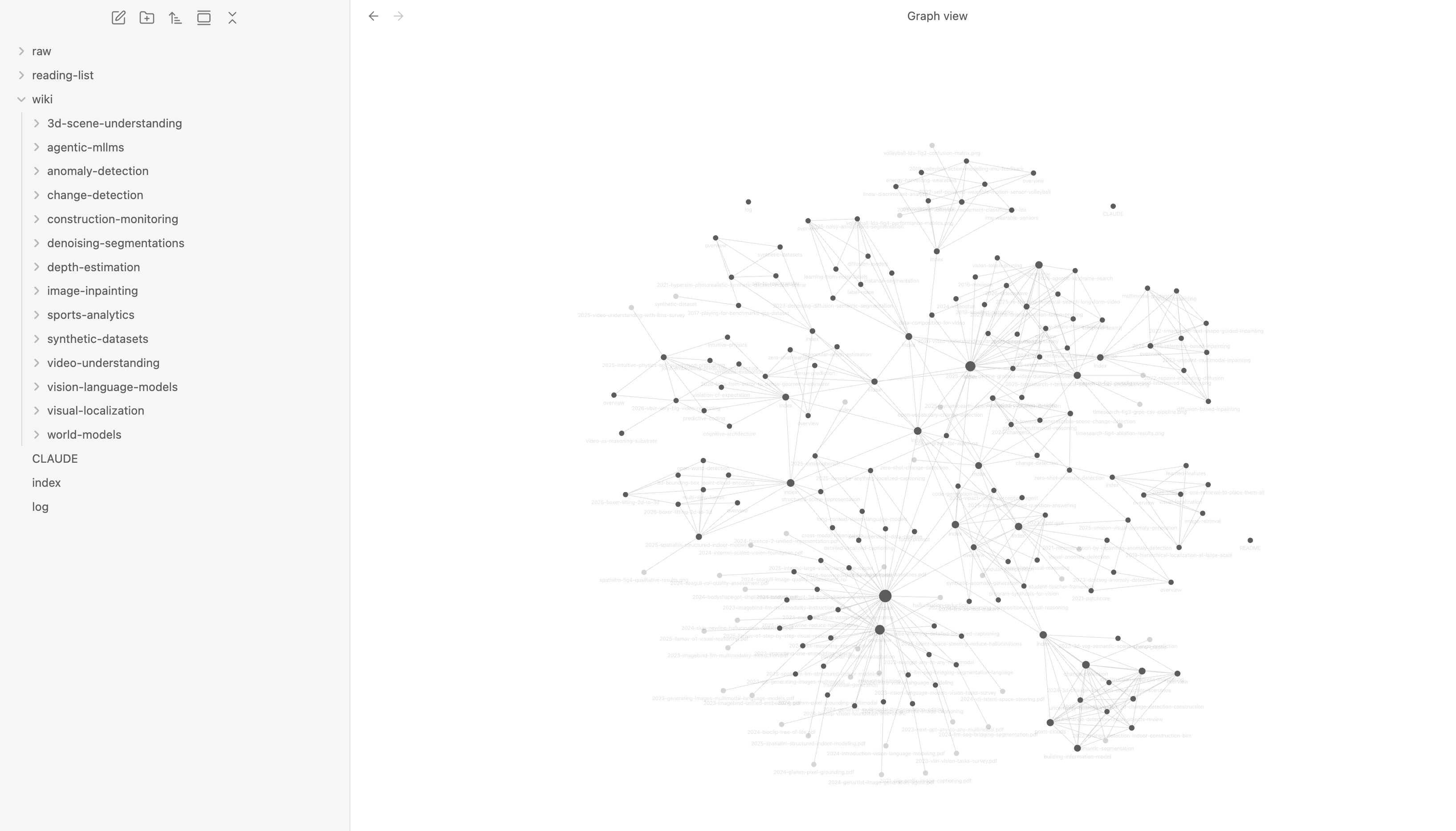
Research Topic Index
The index sorts papers by year and displays thumbnail images alongside each entry. Scanning for a specific paper is now a matter of seconds rather than digging through folders. Each thumbnail gives just enough visual context to jog your memory without having to open anything.
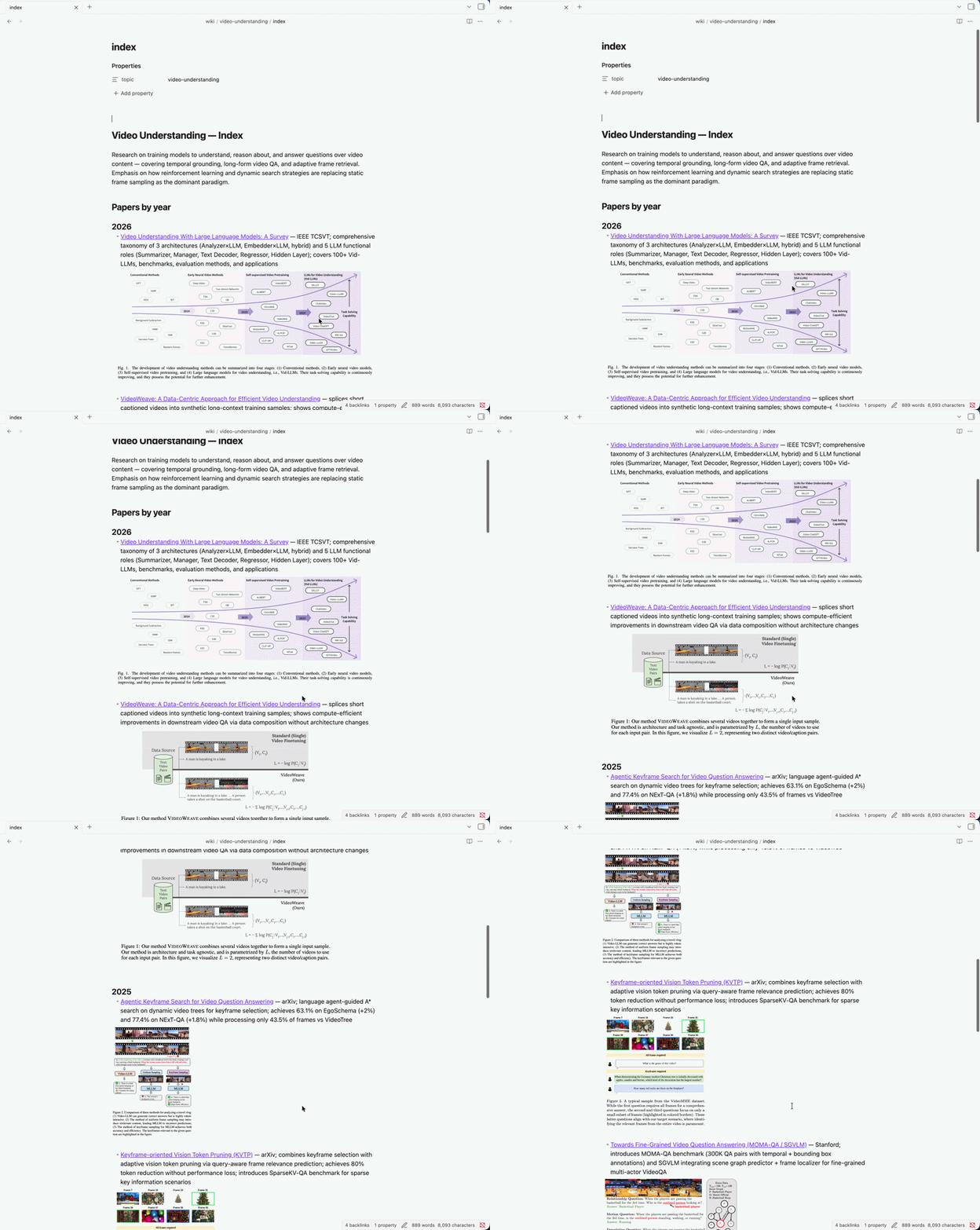
Research Topic Overview
Each research topic gets an auto-generated overview that goes beyond just listing papers. It highlights where the field is heading, surfaces open questions that haven't been addressed, flags contradictions between papers, and suggests a recommended reading order. The kind of synthesis that would normally take hours to write manually.
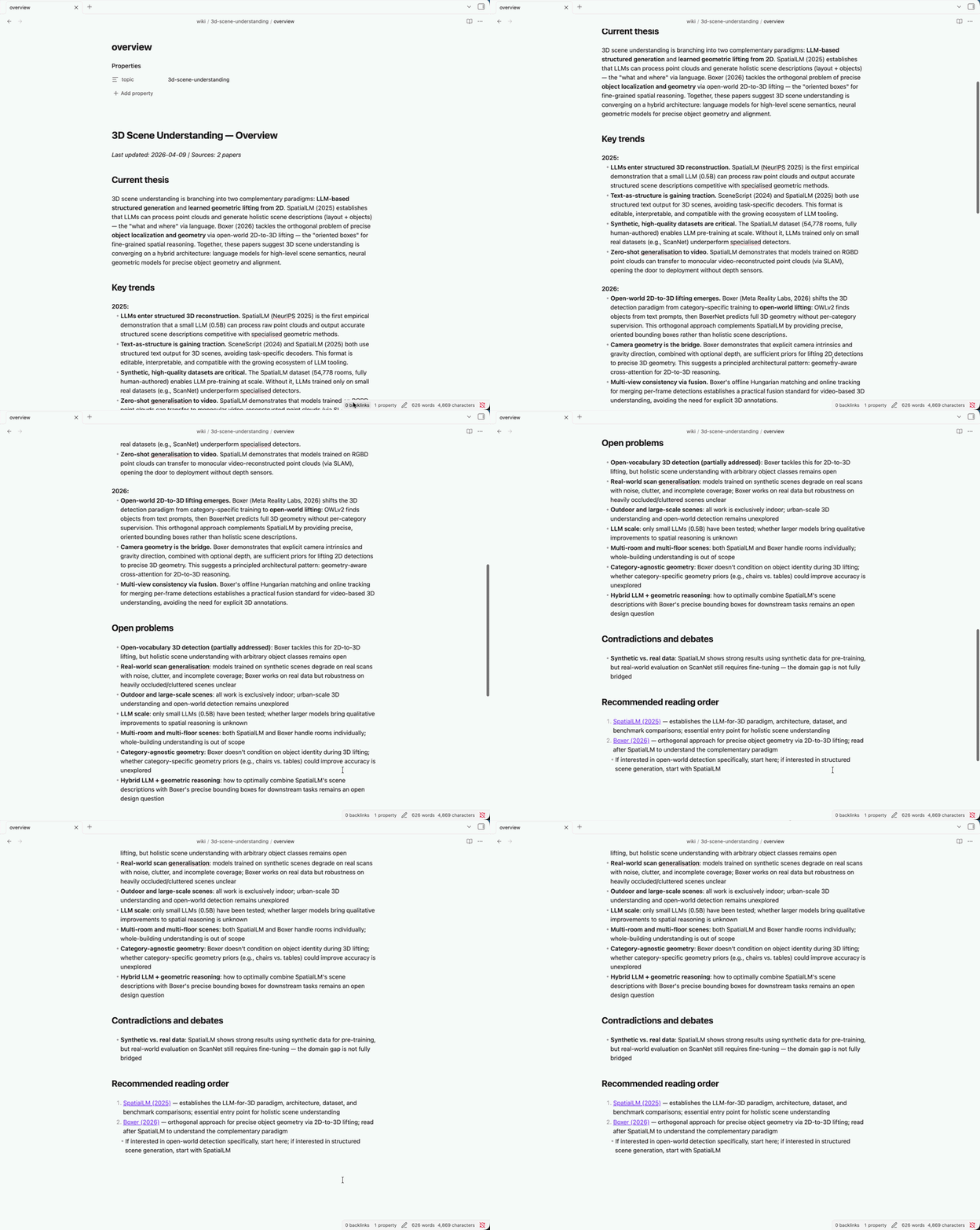
Paper Overview
Individual paper pages include a summary, key contributions, and most usefully, a breakdown of limitations and open questions. This is the section I return to most often when thinking through research directions or writing related work sections.
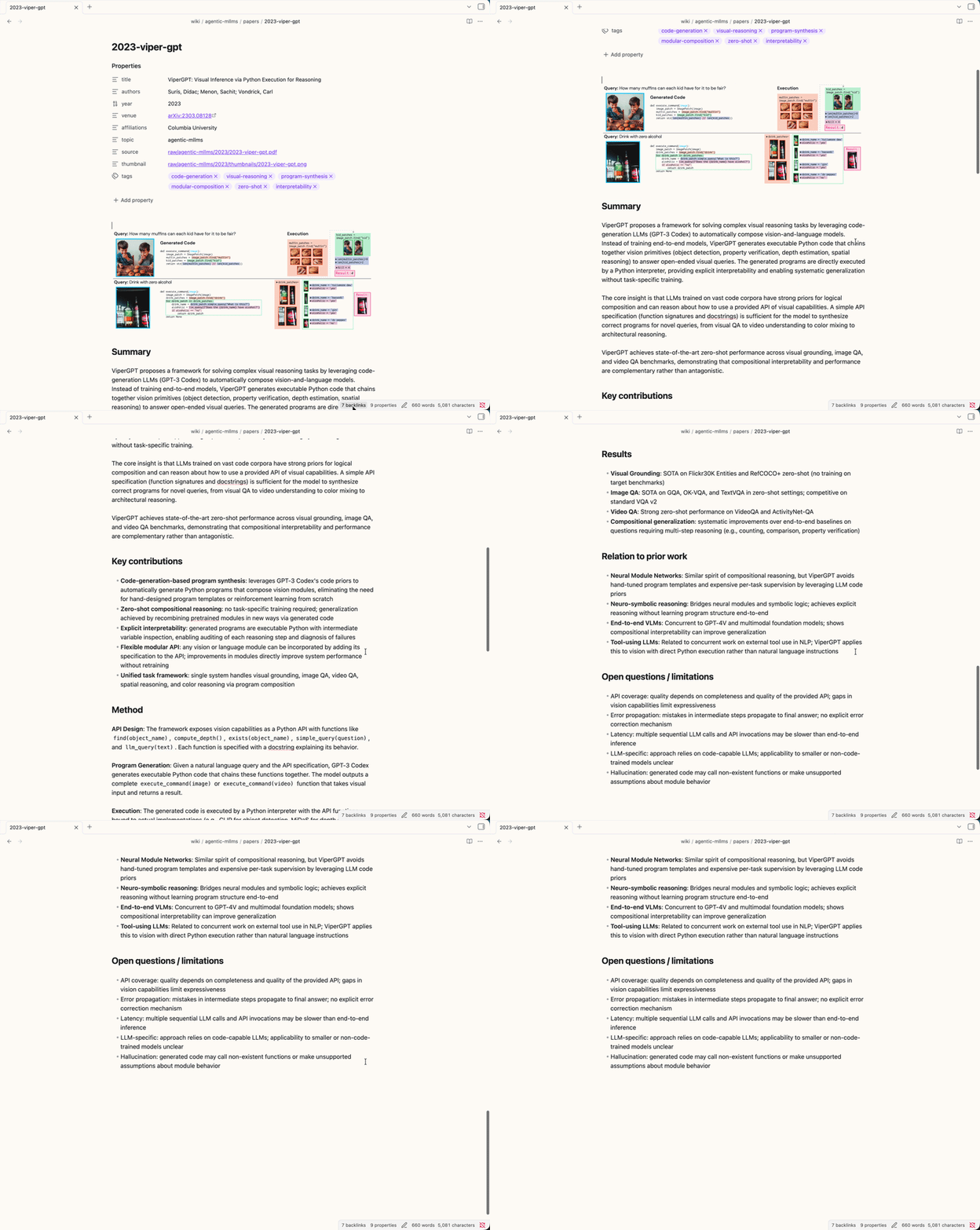
Asking Questions
One of the most useful features is being able to ask Claude Code questions directly. Rather than manually searching through your notes, you can ask something like "What do the papers in my knowledge base say about attention mechanisms?" or "What are some research gaps I can fill?" and Claude Code will traverse your entire wiki to pull together a synthesized answer, with references to the relevant papers. It turns your knowledge base from a filing system into something closer to a research assistant you can have a conversation with.
Try It Yourself
If you're doing any kind of literature review, this setup is worth the 20 minutes it takes to get running. The LitSurf repo has everything you need to get started, including my CLAUDE.md as a starting point you can adapt to your own research area.